


The Reality Check
I’ve been a bit absent writing the last few weeks. That’s because I ran into something nobody mentions in the "build with AI" tutorials: shipping is just the beginning.
My prompt chain had worked beautifully. I'd gone from idea to working app in four weeks. The code looked clean, the features worked, and I was feeling pretty confident about this whole AI-assisted development thing.
Then I decided to add in some functionality to manage the waitlist for users.
And that's when I discovered technical debt I never saw coming.
The Illusion of Clean Code
Here's what AI-generated code looks like when it's fresh: organized file structure, descriptive function names, helpful comments throughout. It feels professional because AI is really good at making things look professional.
But looking professional and being maintainable are two very different things.
The first time I needed to modify a feature based on user feedback, I realized I was debugging code I didn't actually understand. Sure, I could read it. But reading code and understanding the architectural decisions behind it? Completely different skills.
The Hidden Costs of "Fast" Development
When you build with AI, you're essentially inheriting someone else's codebase from day one. Except that "someone else" is a system that makes decisions differently than you would.
AI optimizes for getting the feature working. You optimize for getting the feature working and being able to change it later when users inevitably want something slightly different.
This creates four types of technical debt that traditional coding tutorials never prepare you for:
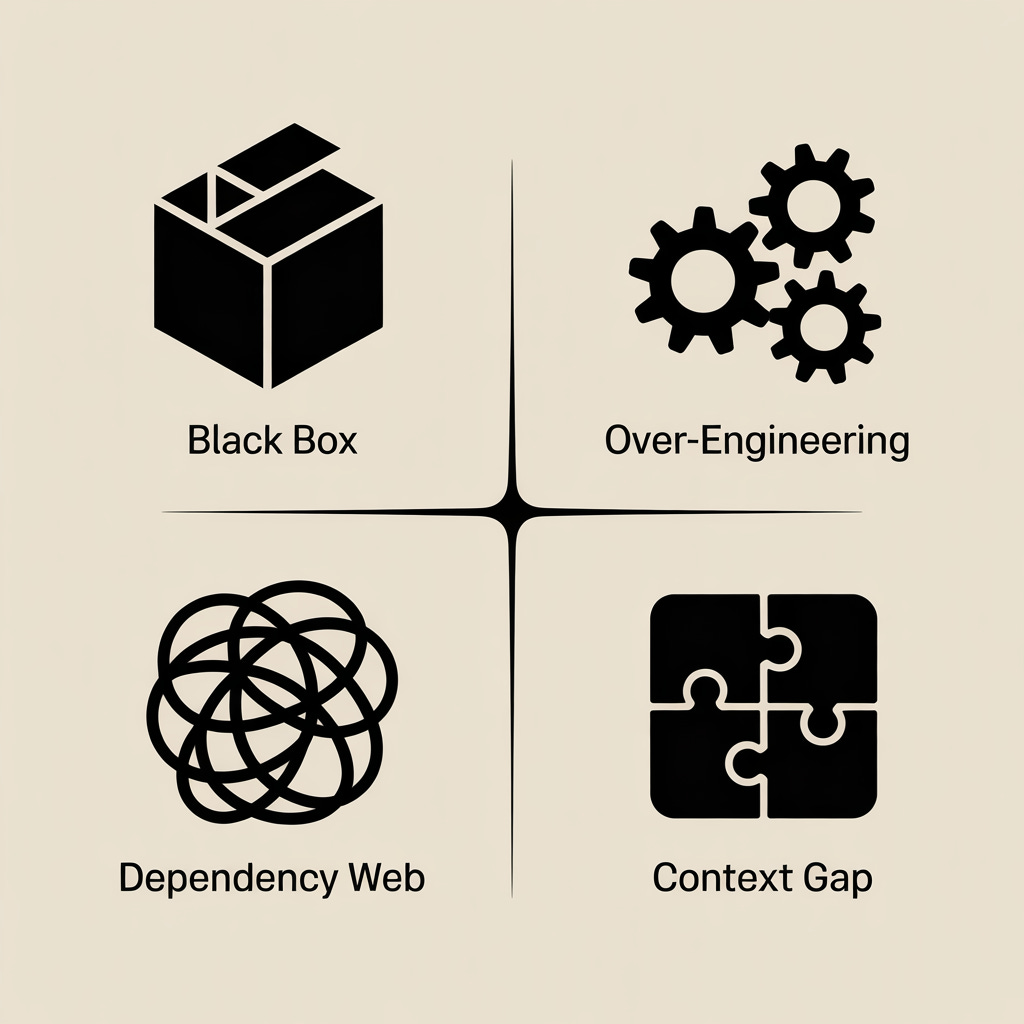
1. The Black Box Problem
AI creates functions that work perfectly for the exact use case you described. But when you need to modify them, you realize they're doing multiple things at once in ways you wouldn't have architected yourself.
2. The Over-Engineering Trap
AI tends to build for scale and edge cases you don't need yet. My simple app ended up with enterprise-level complexity for features that could have been much simpler.
3. The Dependency Web
AI is great at leveraging existing libraries. Sometimes too great. What starts as a simple request can end up pulling in multiple dependencies that you'll need to maintain and debug.
4. The Context Gap
This is the big one. AI builds exactly what you describe, not what you mean. The nuances of your specific use case—the business logic that makes your app unique—often get lost in translation.
What Debugging Actually Looks Like

Debugging AI-generated code follows a predictable pattern:
First, you think it'll be a quick fix. The error message seems straightforward enough.
Then you realize the "simple" feature is connected to three other systems in ways that aren't immediately obvious.
Then you spend more time understanding the existing code than it would have taken to write the feature from scratch.
Finally, you either patch around the issue (creating more technical debt) or rewrite the section entirely.
The problem isn't that AI writes bad code. It's that AI writes code optimized for different constraints than yours.
The Two-Part Solution
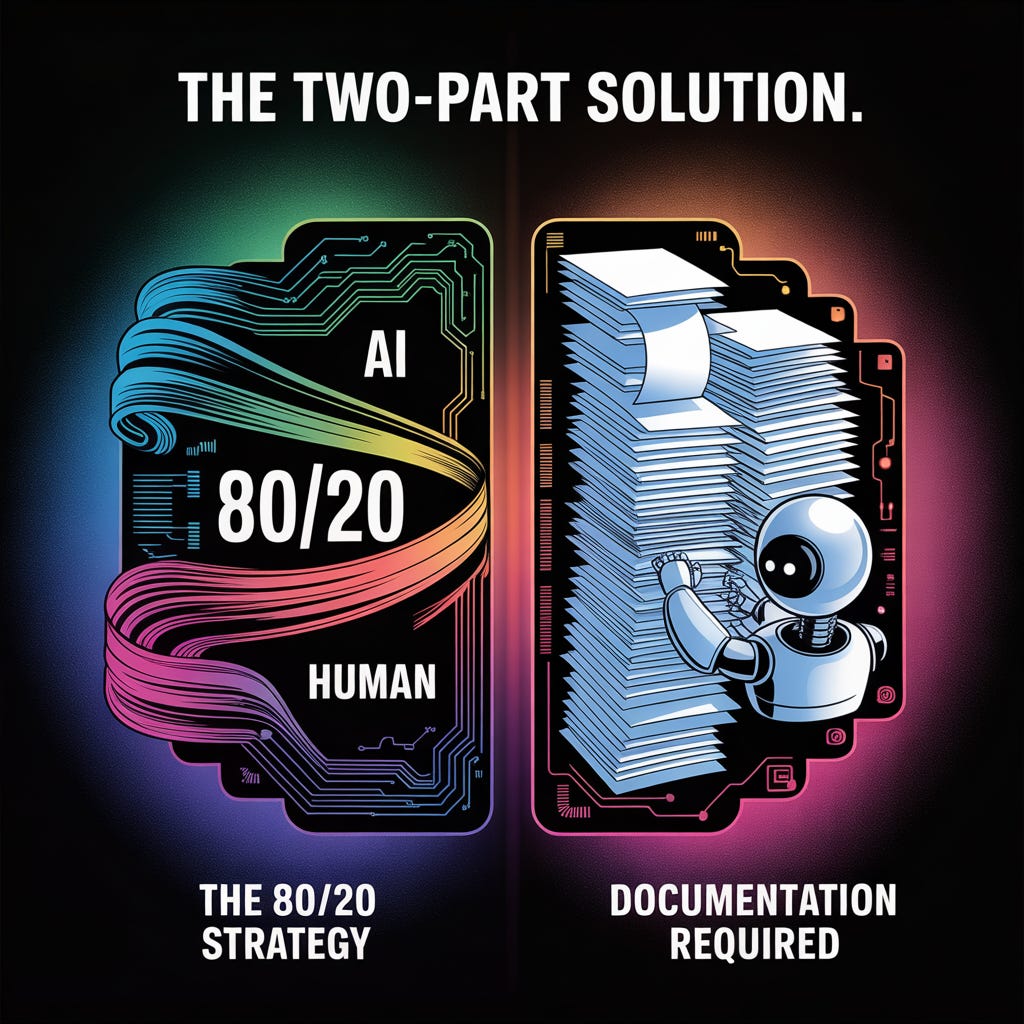
After working through this with RallyCamp, I've developed an approach that actually works:
Part 1: The 80/20 Strategy
Let AI handle the first 80%—the boilerplate, standard implementations, and common patterns every app needs. But plan to rewrite the last 20% yourself: the business-specific logic that makes your app unique.
This gives you the speed benefits of AI without losing understanding of your core functionality.
Part 2: The Documentation Requirement
After AI generates any significant code, I run it through this prompt:
"Explain this code like I'm going to maintain it for the next two years. What does each major function do? What are the key dependencies? What assumptions are built into this logic? What would break if I needed to modify [specific functionality]?"
This creates a maintenance roadmap before you need it, not after something breaks.
The Real ROI
Was building RallyCamp with AI worth it? Absolutely. But not for the reasons I expected.
AI didn't eliminate technical complexity—it shifted when I dealt with it. Instead of spending weeks learning to code before building anything, I spent time learning to debug and refactor after shipping something real.
The value wasn't avoiding technical challenges. It was facing the right technical challenges with real user feedback driving the decisions.
What I'd Do Differently
Starting over, here's what I'd change:
Build one feature completely (including understanding and documentation) before moving to the next
Set debugging time limits—if I can't understand and fix an AI-generated issue in a reasonable time, I rewrite that section
Plan for iteration from day one—assume every feature will need modification based on user feedback
Document architectural decisions as I go, not after something breaks
The Mindset Shift
The biggest insight isn't about code—it's about expectations.
AI doesn't eliminate technical complexity. It relocates it from "learning to build" to "learning to maintain." Both are valuable skills, but they're different skills.
The founders who succeed with AI won't be the ones with the perfect prompts. They'll be the ones who plan for technical debt as a natural part of the process.
Because when your users need a feature modified, and they're waiting for the fix, the quality of your prompts matters less than your ability to understand and change the code that's already running.
Building with AI? I'd love to hear what technical debt you've discovered. Reply and let me know what surprised you most about maintaining AI-generated code.
This hits hard. I've seen this pattern with three different AI-native startups I've worked with — the MVP ships fast, but then you hit what I call the 'prompt maintenance wall.' Suddenly you're debugging chains that worked perfectly in development but fail 15% of the time in production with real user data. The technical debt isn't in the code, it's in the brittleness of the AI layer itself. How are you handling prompt versioning and rollback strategies?